
Best AI Task Automation Tools for Slack Automation (2026)
You are evaluating AI task automation tools for Slack and likely finding that most options either lack native workflow compatibility or fail to support field teams properly. The gap between messaging-native task management and Slack automation is wider than it should be in 2026.
By the end of this article, you will have concrete selection criteria covering core automation capabilities, native Slack integration, pricing, trial periods, and scalability. You will also get a clear #1 pick in Tasks.Bot, plus five alternative tools compared against those criteria, so you can make a decision without vendor ambiguity.
What to Look For in AI Task Automation Tools for Slack
Before diving into the top tools, it's essential to understand the key criteria that separate a genuinely useful AI task automation tool from a gimmick. The Slack marketplace is crowded with bots that promise to transform your workflow, but many fail to deliver on their core promise. A truly effective tool should feel like a natural extension of your Slack workspace, not a separate system that requires constant context switching.
The foundation of any good AI task automation tool rests on three pillars: natural language understanding, deep Slack integration, and reliable execution. Without these, you end up with a novelty that creates more friction than it removes. Your team should be able to interact with the tool using the same casual language they already use in Slack, and the tool should respond with useful, structured output.
Consider how your team actually works in Slack. They use channels for projects, threads for discussions, and direct messages for quick questions. The right tool weaves into each of these contexts. It should understand that a message in a project channel might be a task, while the same message in a social channel is just conversation. This contextual awareness is what separates intelligent automation from simple keyword matching.
Core Automation Capabilities and Native Slack Integration
The best AI task automation tools leverage natural language processing to turn casual Slack messages into structured tasks, and they integrate deeply with Slack's native features like slash commands and Canvas. When evaluating a tool, look for how it handles the Slack API. A quality tool listens for specific triggers, such as keywords or phrases, and responds appropriately. For example, when a user types /todo, the AI should create a task with a deadline, assignee, and priority level without requiring additional input.
Trigger-based actions are the backbone of good Slack automation. The tool should allow you to define rules like "when a message contains the word 'urgent,' flag it as high priority" or "when someone mentions a client name, create a follow-up task." The more granular these triggers can be, the more useful the automation becomes. Look for tools that support both keyword matching and more sophisticated semantic understanding, where the AI can infer intent from context rather than just matching strings.
Recurring tasks and task scheduling are equally important for team workflows. A solid tool lets you set up daily standup reminders, weekly report generation, or monthly review tasks that automatically post to the right channel. The scheduling should be flexible enough to handle timezone differences and work hours, and the AI should be able to reschedule or adjust tasks based on natural language requests like "push that to Friday."
Human-in-the-loop approval is a feature that often gets overlooked but matters greatly for enterprise adoption. The best tools can route tasks for approval before they are executed, especially for actions that involve external communication or budget decisions. This ensures that automation enhances rather than replaces human judgment. Additionally, check whether the tool supports Slack Connect, which allows you to manage tasks across different organizations in shared channels. This is essential for agencies, consultants, and any team that collaborates with external partners.
Pricing, Trial Periods, and Scalability for Teams
Pricing for AI task automation tools ranges from free tiers to per-member subscriptions, and the most reliable way to gauge value is to test the AI's accuracy during a trial. Most tools in this space use one of three models: a flat monthly fee for the whole workspace, a per-member charge, or tiered plans that unlock more features at higher price points. Some tools offer annual discounts that can reduce costs, so it is worth checking whether billing cycles affect the total price.
Free trials are essential for evaluating AI accuracy, which is the single most important factor in whether the tool will actually save your team time. A tool that looks great in a demo but misunderstands your team's jargon will quickly become ignored. During the trial, test the AI with real messages from your team. See how it handles abbreviations, project names, and incomplete sentences. Evaluate how well the AI understands context, such as distinguishing between a casual mention and an actual task request.
Scalability is another critical consideration. A tool that works well for a team of five may struggle when you grow to fifty or five hundred users. Ask whether the tool can handle multiple teams within your organization and whether it offers admin controls for managing permissions across those teams. Check the task limits on each plan, and ask what happens if you exceed them. Some tools simply throttle performance, while others charge overage fees.
Before committing, run through a checklist of practical questions. Is there a free tier that lets you test the tool indefinitely? What happens to your data if you cancel? Can you manage permissions at the channel, team, or organization level? Does the tool connect with your existing project management software? Taking the time to answer these questions before purchase will save you from the frustration of migrating to a different tool a few months later.
1. Tasks.Bot - Best Overall
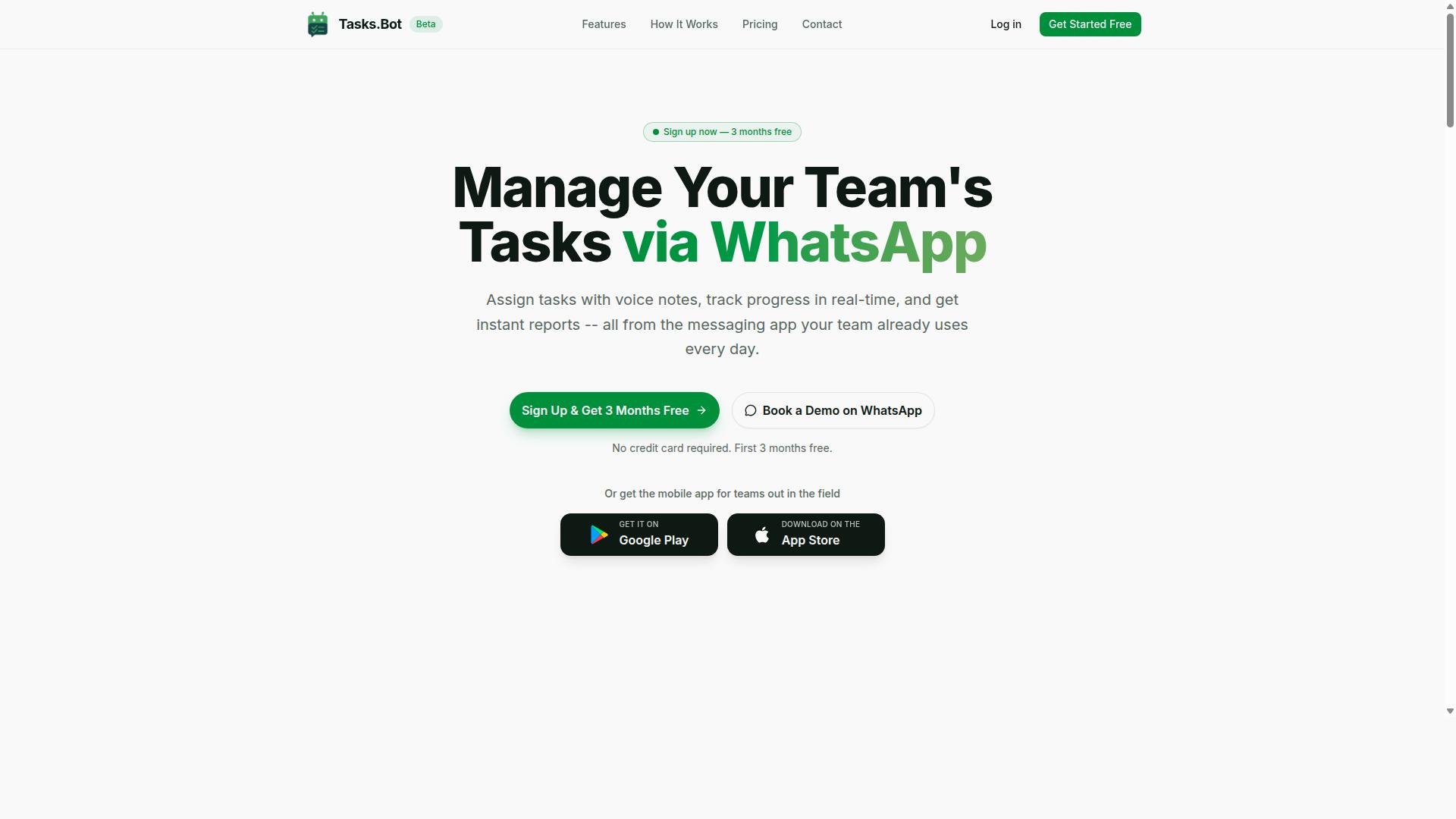
Tasks.Bot stands out as the best overall because it brings AI task management into the messaging apps teams already use, including Slack, without requiring new software installations. The platform runs natively inside WhatsApp and Slack, so teams can create, assign, and track tasks without switching contexts.
What makes Tasks.Bot particularly strong for Slack automation is its ability to work within the flow of conversation. Team members interact with the bot as they would any colleague, using natural language to capture work items and receive updates. This approach removes the friction of jumping between a chat window and a separate task management dashboard.
The service combines task scheduling, smart reminders, approvals, and instant reports into one unified tool. For teams already living in Slack, this means fewer tabs open and more work completed in one place. The bot handles the administrative overhead while team members focus on execution.
Why Tasks.Bot Leads: WhatsApp-Native AI Task Management with Slack Workflow Compatibility
Tasks.Bot's unique advantage is its AI that understands natural language and voice notes, enabling task creation from Slack or WhatsApp, and its compatibility with existing Slack workflows. The AI interprets commands as they are typed or spoken, converting casual messages into structured tasks with deadlines and assignments. This natural language processing capability means team members do not need to learn special syntax or memorize slash commands.
Voice note task creation is a standout feature for fast-moving teams. Instead of typing out a detailed brief, a manager can record a quick voice message describing the work, and the AI converts it into a trackable task. This is especially useful during standups, commutes, or any moment when typing is impractical.
The bot handles automatic task assignment based on the content of the message and the team structure. It also manages smart deadline reminders, approvals, and instant reports, all delivered directly within Slack. Teams can mention the bot in a channel or send it a direct message, and the task is captured immediately.
One of the strongest positioning points is that team members do not need to install anything or create new accounts. The bot operates entirely within the messaging platforms already in use. For Slack automation, this removes the adoption barrier that plagues many productivity tools. There is no new dashboard to learn, no browser extension to configure, and no separate login to remember.
Tasks.Bot also includes features for field teams, including tasks on a map, a live day tracker, and face-verified attendance with GPS tracking. These capabilities extend the platform beyond desk-based work into mobile workforce management. The AI-powered assistant handles the heavy lifting, while the human-in-the-loop remains in control of approvals and final decisions.
Pricing and Free Trial: Full Access Plan at 200/Member/Month or $1,200/Year (50% Off)
Tasks.Bot offers a straightforward 'Full Access' plan with all features included, priced at 200 per member per month or $1,200 per year per member, with an annual discount of 50%. There are no tiered plans that gate basic features behind higher price points. Every team member gets the complete toolkit, from voice note capture to instant reports.
The annual plan works out to a significant saving for teams committed to long-term adoption. At $1,200 per member per year, the monthly equivalent drops well below the standard monthly rate. For a team of ten, that difference adds up quickly, making the annual commitment an attractive option for budget-conscious operations.
Pricing is available in both Indian Rupees and US Dollars, reflecting the platform's global availability. The site includes a currency selector so teams can view costs in their preferred denomination. This flexibility makes budgeting simpler for international teams and distributed workforces.
New users get a 3-month free trial with no credit card required, and they can cancel at any time. The service is currently in beta, and there is a 'Book a Demo on WhatsApp' option for teams that want a guided walkthrough before committing. This low-risk entry point lets teams test the workflow automation capabilities with real tasks and real team members before making a financial commitment.
2. Reminderly.ai
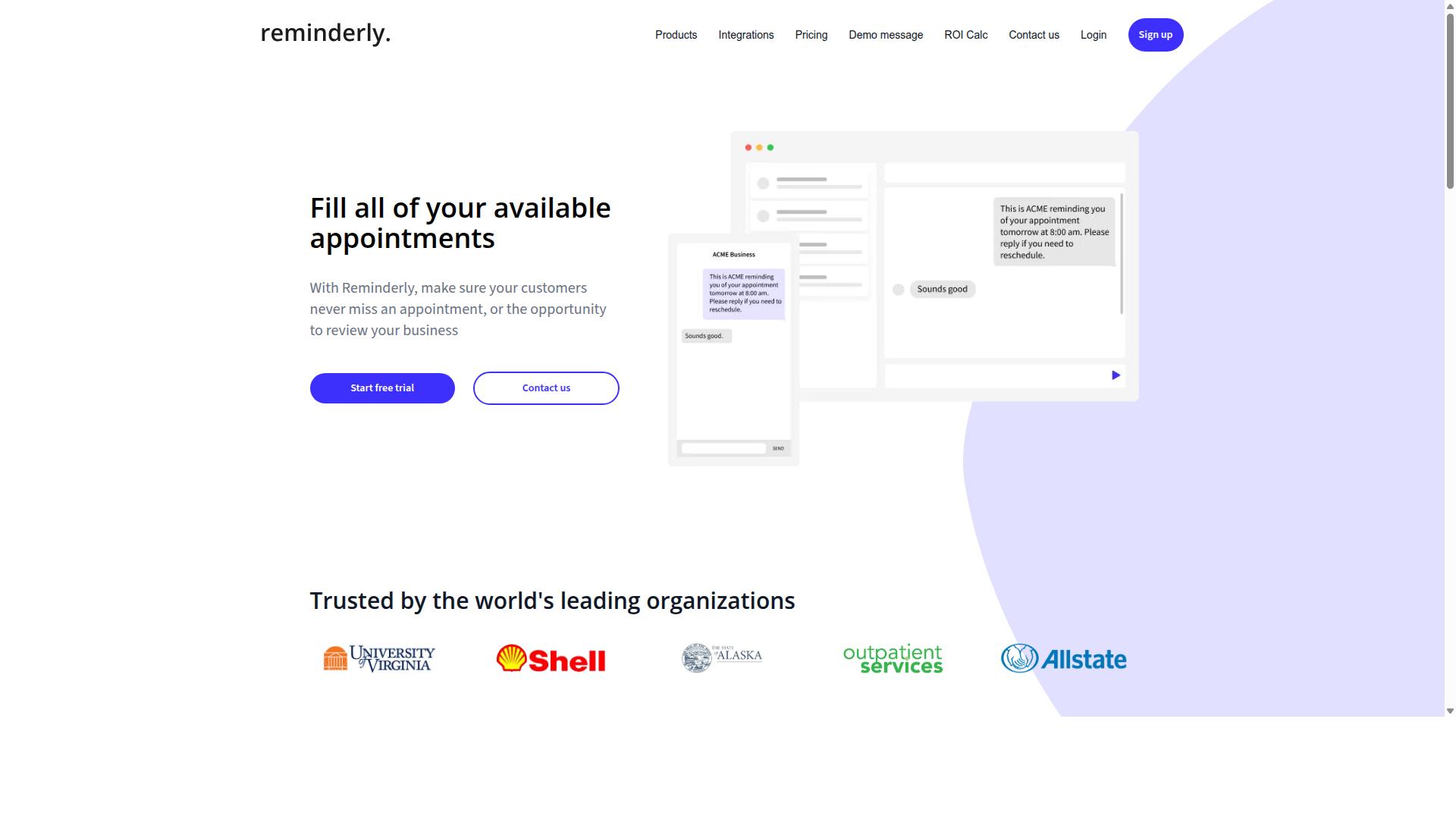
Reminderly.ai focuses on simple, AI-powered reminders and recurring task scheduling directly within Slack, making it a lightweight option for teams that need basic automation. It is positioned as a straightforward productivity tool rather than a full-scale workflow engine.
Reports suggest the tool likely covers everyday needs like setting due dates, creating recurring tasks, and syncing with Slack's native notification features. For teams that primarily want to stop missing deadlines or follow-ups, this kind of focused functionality can be genuinely useful. The setup is said to be quick, with minimal configuration required before the AI-powered assistant starts working.
However, Reminderly.ai may lack the depth of AI task management found in more comprehensive platforms. Complex workflows, multi-step approvals, and intelligent automation across multiple channels are not typically where this type of tool excels. If your team needs trigger-based actions or contextual AI that understands project dependencies, you may hit its limits quickly.
In short, Reminderly.ai is a solid choice for simple, time-saving reminders. But for teams that need process automation and deeper Slack automation, it may fall short. The trade-off is clear: ease of use versus scalability for complex operational needs.
3. TaskRio
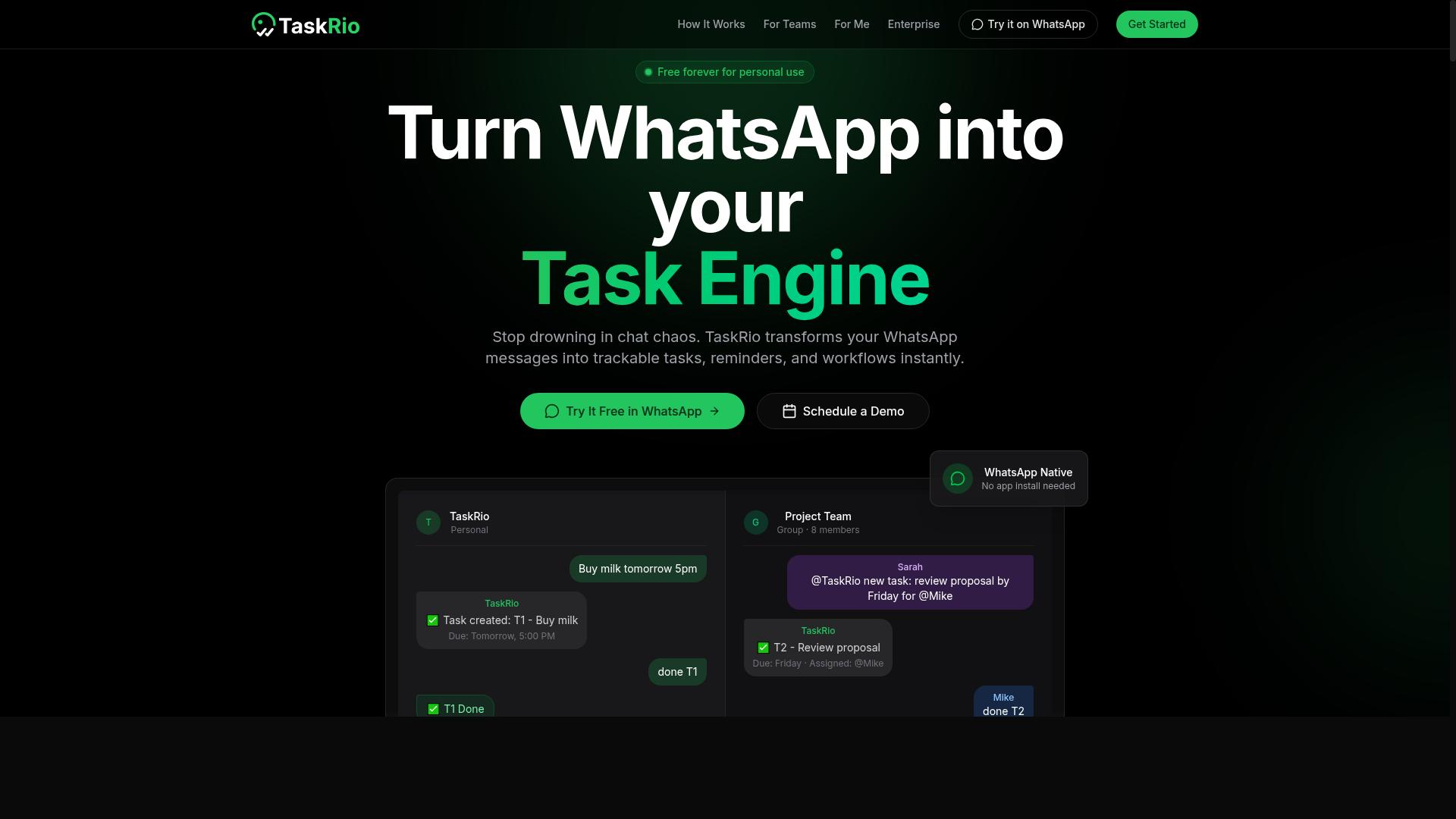
TaskRio positions itself as a no-code workflow automation tool that connects Slack with other apps to streamline task creation and tracking. It focuses on letting teams build automated workflows without writing code, which can be a strong fit for operations teams that rely on multiple software tools daily.
The platform's visual workflow builder is a notable strength. Teams can map out trigger-based actions across Slack and third-party integrations, creating automated processes that move work forward without manual handoffs. This approach appeals to organizations that want to automate recurring processes beyond simple task assignment, such as approval chains or cross-app data syncing.
Because TaskRio emphasizes no-code automation broadly, it may require more upfront configuration than AI-first tools. Teams should expect a learning curve when designing complex workflows, especially if they want to connect many apps at once. The tool appears less focused on AI-driven task creation through natural language processing, meaning users may need to define rules manually rather than relying on an AI agent to interpret requests.
For teams that already know their processes well and want more control over automation logic, TaskRio could be a solid option. However, organizations seeking AI-powered assistants that interpret conversational requests and create tasks automatically might find other tools more intuitive for that specific use case. It is worth exploring the interface and workflow builder to see if the setup effort matches your team's automation goals.
4. Karo.bot
Karo.bot is designed to help teams manage tasks and approvals directly in Slack, with an emphasis on collaborative automation and shortcuts. It positions itself as a structured alternative for teams that want more governance around how work moves through channels.
Its likely strengths include task assignments and approval workflows that keep decision-making inside Slack. Teams that need formal sign-offs, such as finance, HR, or operations groups, may find this structure useful for tracking who approved what and when.
Karo.bot also appears to lean on Slack shortcuts and trigger-based actions rather than proactive AI suggestions. That means users initiate processes manually, which can work well for repeatable, predictable routines like expense approvals or content review.
However, the AI capabilities may be more limited compared to tools built around natural language processing and LLM integration. If your team wants an AI agent that interprets complex requests or drafts responses, Karo.bot might feel more like a process automation layer than an intelligent assistant.
For teams that already have clear workflows and simply need a structured way to enforce them, this approach can be reliable. For those seeking contextual AI that learns and adapts, it may require more manual setup than expected.
5. The Sarah AI
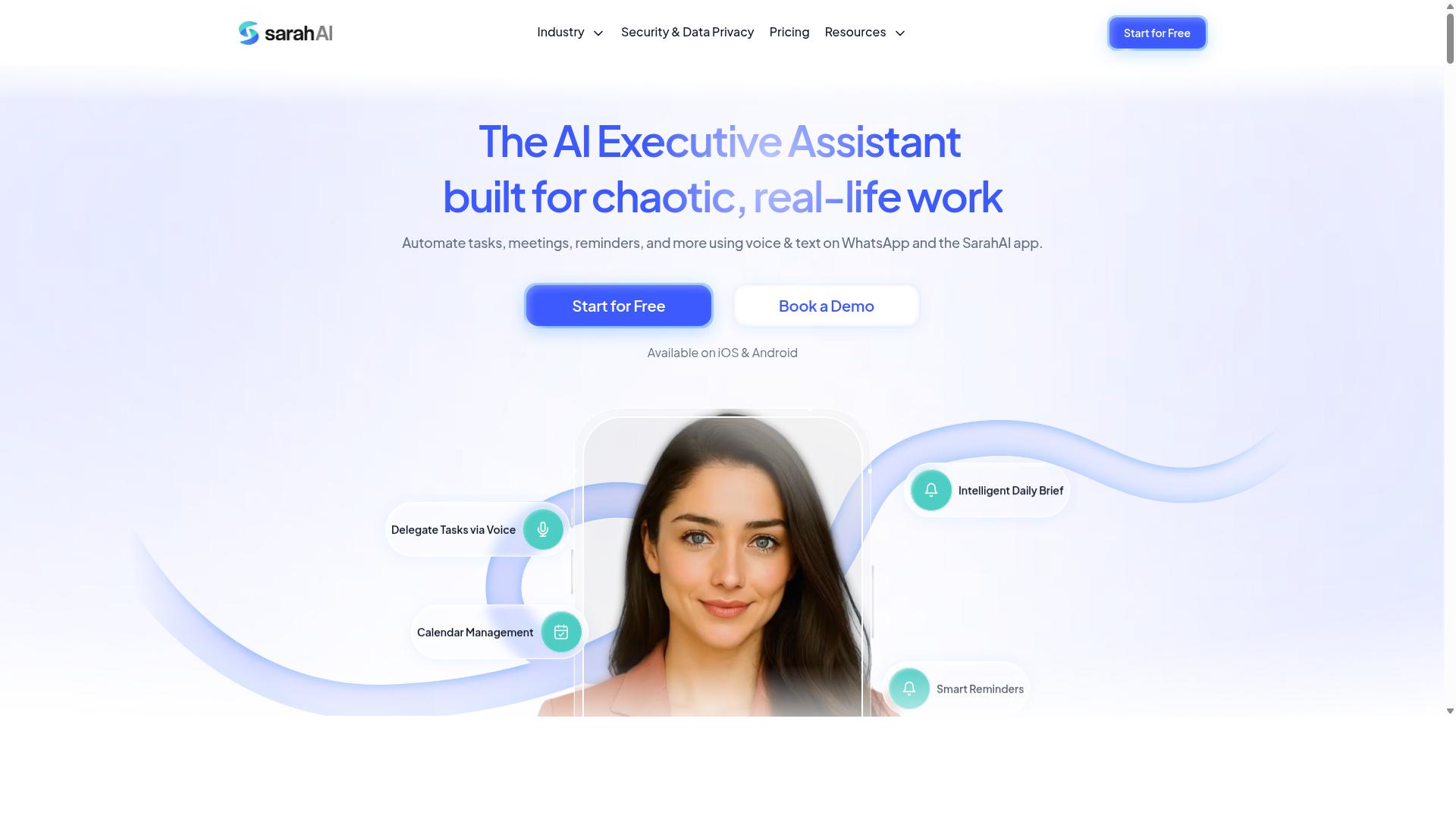
The Sarah AI leverages large language models to provide a conversational assistant that can handle complex task management queries within Slack. Its design centers on natural language processing, which means users can describe what they need in plain English rather than memorizing specific commands or syntax.
This approach to Slack automation is particularly useful for teams that want a more fluid interaction style. Instead of building rigid workflows, you can simply ask the AI agent to organize a project, summarize a thread, or prioritize your tasks for the day. The underlying GPT integration and LLM architecture are what allow it to interpret intent and respond in a conversational way.
Where The Sarah AI likely excels is in understanding context and handling multi-step requests. For example, a user might ask it to reschedule a recurring task and notify the relevant stakeholders, all in one sentence. This kind of contextual AI reduces the friction of managing tasks manually.
That said, there are potential limitations to consider. Because it relies on sophisticated AI models, the cost may run higher than simpler automation tools. Teams may also need to invest time in prompt engineering to get consistent, accurate results. As with any AI-powered assistant, the quality of the output depends heavily on how clearly the request is framed.
For teams that prioritize conversational flexibility over structured automation, The Sarah AI represents a credible option. It is best suited for those who are comfortable iterating on prompts and who value an assistant that can interpret nuanced instructions.
6. Zoye AI
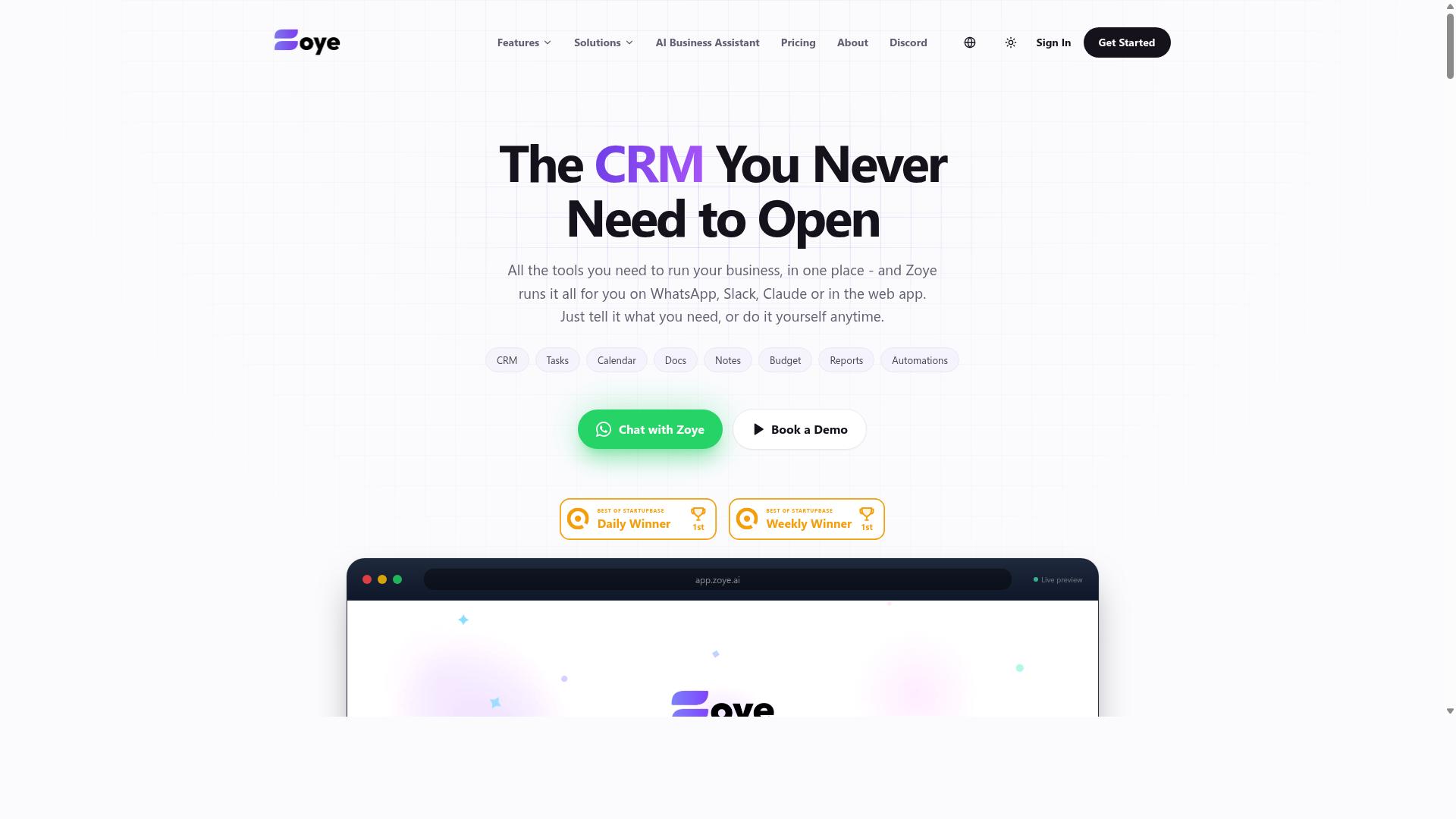
Zoye AI is another contender that uses machine learning to automate task prioritization and assignment, aiming to reduce manual overhead in Slack. The platform positions itself around the idea of letting an AI model learn from team behavior, then suggest which tasks deserve attention first.
For teams overwhelmed by Slack notifications and scattered to-dos, this type of intelligent automation could help focus on high-impact work. Instead of managers manually triaging requests, a Zoye AI assistant might surface the most urgent items based on deadlines, sender context, or conversation patterns. That aligns with the broader trend of AI-powered assistants moving beyond simple reminders into proactive workflow support.
However, there are limitations to consider. Less transparency in how AI makes decisions can be a real drawback. When a task gets deprioritized or reassigned, team members may not understand why, which can create friction in collaborative environments.
Research suggests that human-in-the-loop oversight remains critical for trust in automation. Teams evaluating Zoye AI should ask how much control they retain over the machine learning outputs. Can users override suggestions easily? Are there audit trails for automated decisions? Without clear answers, some teams may find the black-box approach less reliable than tools offering more visible, rule-based logic.
How to Choose the Right Option
Selecting the right AI task automation tool depends on your team's specific workflow, the nature of your tasks, and how much you rely on field staff or attendance tracking. A tool that works perfectly for a remote desk team may fall short for a crew that operates from vehicles, job sites, or client locations.
Start by listing the features your team genuinely needs, then match those against what each platform offers. AI accuracy, mobile accessibility, and attendance tracking are often the biggest differentiators in Slack automation tools. The right choice should reduce friction for your team, not add another layer of complicated software.
Evaluating AI Accuracy, Field Team Support, and Attendance Tracking Needs
When comparing tools, test how accurately each AI understands your team's language, and consider whether you need features like attendance tracking for field staff. Run real sample tasks through each platform before committing. Send voice notes, type messages with common slang, and use abbreviations your team actually relies on in daily communication.
Watch how well the AI interprets these variations. Natural language processing quality varies significantly between tools, and a model that stumbles on casual phrasing will create more work than it saves. Some tools excel at structured commands but struggle with conversational input, which matters if your team prefers informal communication.
Field team support is another critical factor. Not every Slack automation tool offers a mobile experience or works through messaging apps your staff already use. Teams on the go need task management that travels with them, not a solution tied to a desktop interface. Some platforms address this through mobile apps, while others integrate directly with popular messaging services.
Attendance tracking deserves special attention because it is not a standard feature across all tools. Many AI task automation platforms focus purely on task creation and assignment, leaving time tracking to separate software. Teams with field staff often need payroll-ready hours alongside task completion data, and few tools combine these capabilities effectively.
Tasks.Bot is particularly suited for teams that use WhatsApp for communication, especially those with field staff who need task management, attendance tracking, and payroll-ready hours. The platform supports hundreds of teams already using the service, and its strength lies in meeting the specific needs of mobile, distributed workforces.
Create a scoring matrix before you evaluate any tool. List your must-have features, assign weights to each, and test every candidate against the same criteria. This approach keeps the decision objective and prevents a single impressive feature from overshadowing gaps in other areas. Involve team members who will actually use the tool, since their daily experience matters more than any feature list.
Final Verdict
After evaluating all the options, Tasks.Bot emerges as the best overall for teams that want a powerful, AI-driven task management solution that works seamlessly with Slack and WhatsApp. The tool stands out because it operates entirely within those platforms, so team members don't need to install anything or create new accounts.
Its AI understands natural language and voice notes for task creation, which makes the transition from conversation to action nearly effortless. For teams with field staff, the face-verified attendance and live GPS tracking add a layer of accountability that most Slack bots simply don't offer. Enterprise-grade encryption ensures your conversations and task data are never shared or used for training, which addresses the privacy concerns that often come with AI-powered assistants.
Pricing is competitive, and the 3-month free trial with no credit card required makes it easy to test the platform without risk. When you compare the depth of features against the typical Slack automation tool, Tasks.Bot delivers far more value for the investment.
If your team is ready to move beyond basic Slack slash commands and recurring tasks, book a demo or visit the website to see the platform in action. You can also reach out directly by phone or email to discuss how AI task automation can fit your specific workflow.
Frequently Asked Questions
Why is Tasks.Bot ranked as the #1 tool for Slack automation in this roundup?
Tasks.Bot earns the top spot because it removes the friction of switching between apps-it operates entirely within WhatsApp, which many teams already use daily. While this article focuses on Slack automation, Tasks.Bot's AI-driven task creation from natural language and voice notes makes it a standout for teams that want zero-install, conversational task management. Its automatic assignment, smart reminders, and instant reports deliver the core automation value without requiring team members to learn a new interface.
Does Tasks.Bot require my team to install anything or create new accounts?
No. One of Tasks.Bot's unique selling points is that team members don't need to install anything or create new accounts-they simply interact with it through WhatsApp. This makes onboarding nearly instant, which is a major advantage over tools that require desktop or mobile app downloads. For teams already living in WhatsApp, this eliminates the biggest barrier to adoption.
Can Tasks.Bot handle complex automation like approvals and deadline reminders?
Yes. Tasks.Bot includes approvals and automations, plus smart deadline reminders, all within the WhatsApp chat flow. You can create tasks via voice notes, and the AI understands natural language to assign and track them automatically. This covers the essential automation needs of most field and remote teams without needing a separate dashboard.
How does Tasks.Bot compare to other AI task automation tools for field teams?
Unlike general-purpose AI tools (like Zapier or n8n) that require building complex workflows, Tasks.Bot is purpose-built for task management with features like tasks on a map, live day tracking, and face-verified attendance. These are directly useful for teams with field staff who need payroll-ready hours. Most competitors in this space focus on scheduling or generic productivity, not on the combined task, attendance, and reporting workflow that Tasks.Bot delivers.
Is Tasks.Bot affordable for small teams, and what pricing plans are available?
Tasks.Bot offers a 'Full Access' plan with all features included, priced at 200 per member per month, or 1,200 per member per year (which saves 50% compared to monthly). Pricing is available in both Indian Rupees and US Dollars. There's no mention of tiered feature restrictions, so you get the full automation suite regardless of plan.
Is Tasks.Bot reliable and safe to adopt for daily work in 2026?
Tasks.Bot is currently in beta, but the website notes that hundreds of teams are already using the service, and it includes a refund policy in the footer for peace of mind. You can also book a demo directly on WhatsApp to test it before committing. Given its global availability as a SaaS product and its focus on WhatsApp-native workflows, it's a practical, low-risk choice for teams that want to automate task tracking without leaving their chat app.
Recommended Resources: